

iTwin 4.0
Your iPhone backup, readable on your PC.
iTwin is a Windows program that makes your iPhone backup readable on your PC.
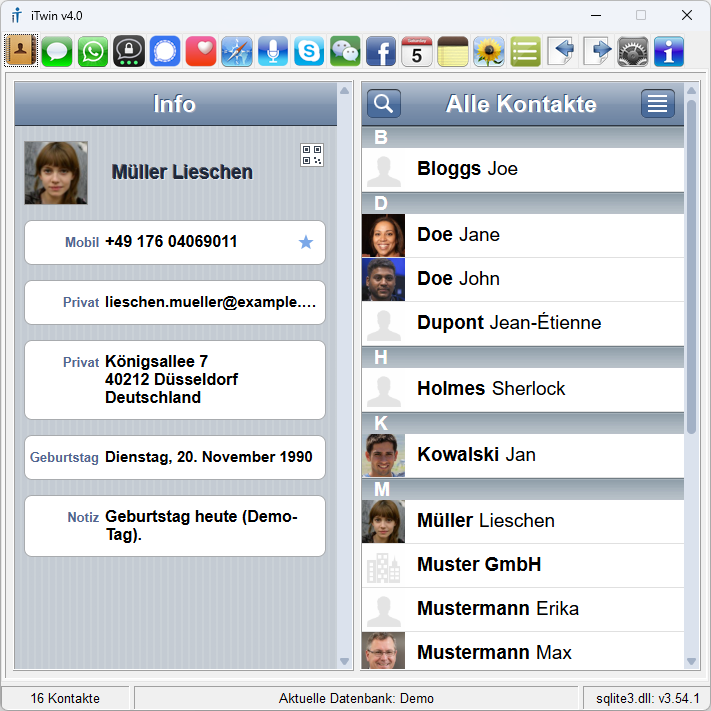
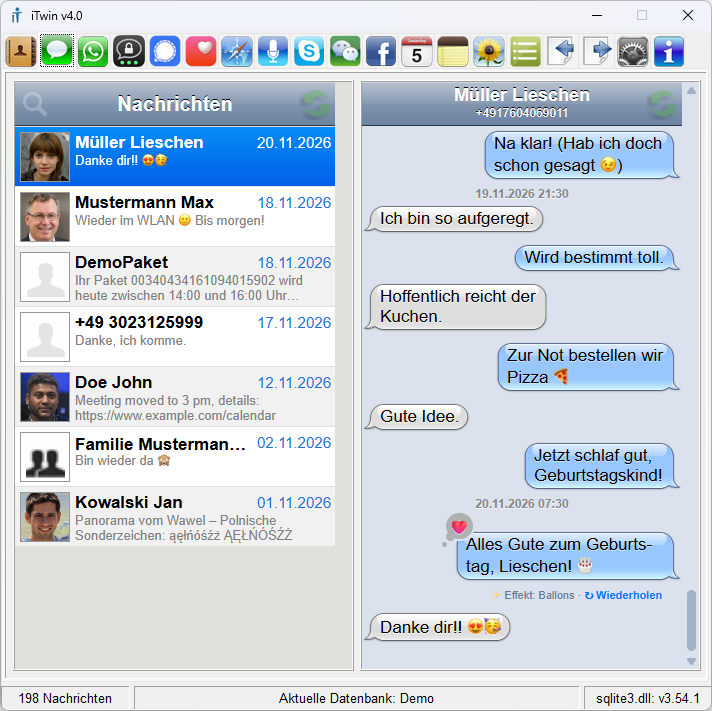
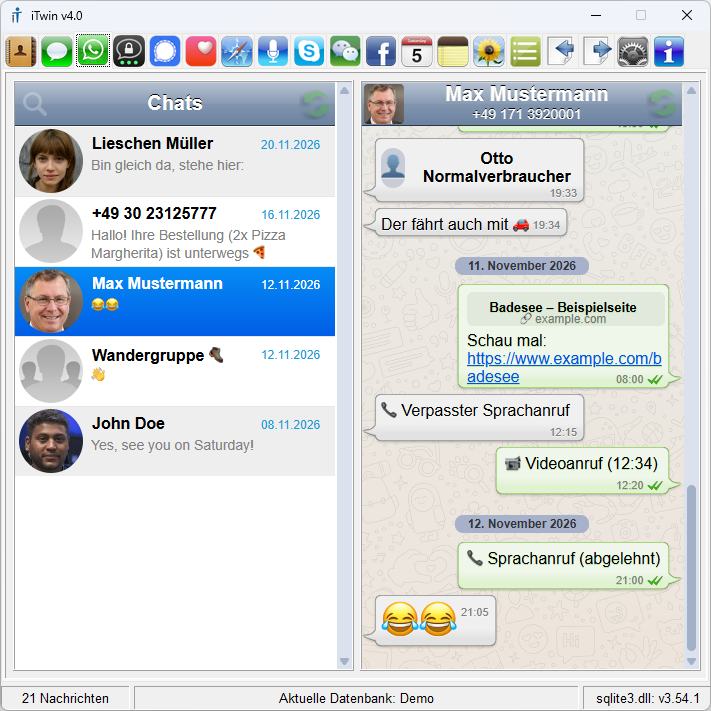
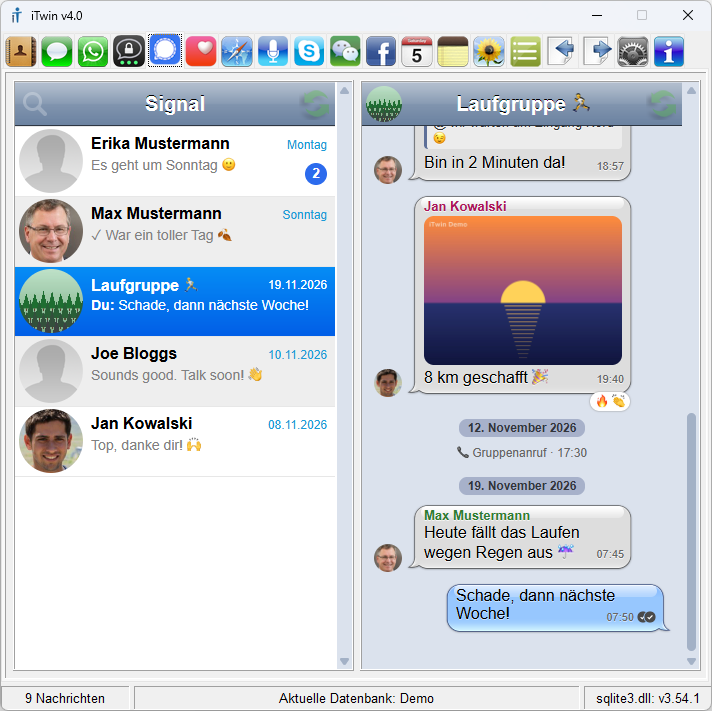
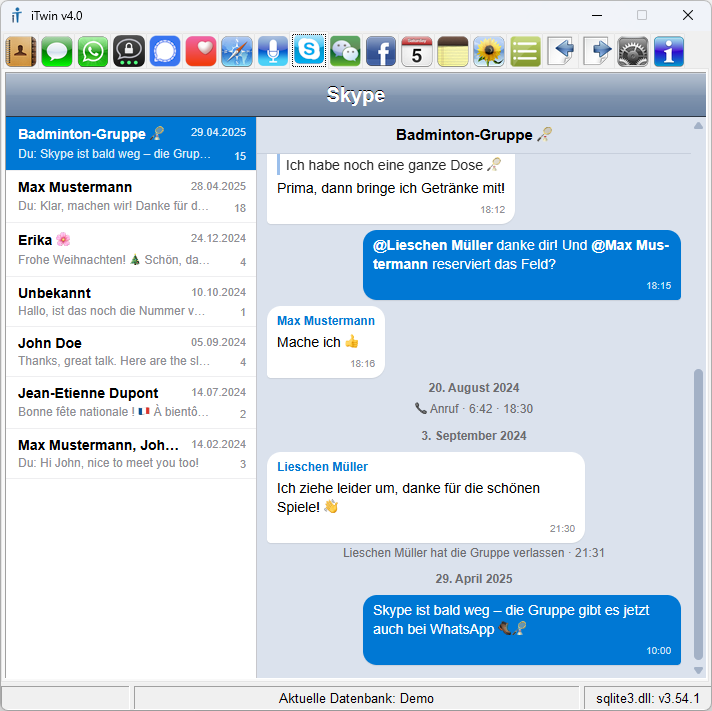
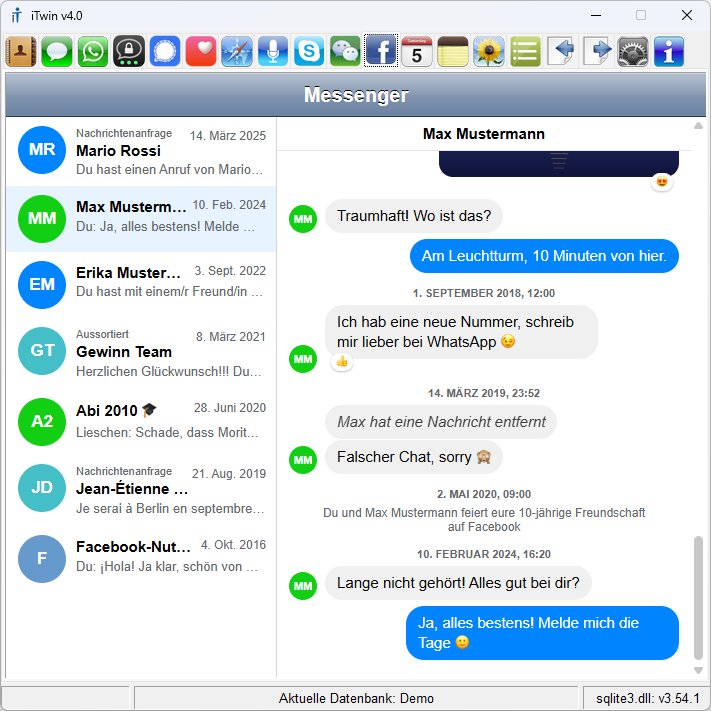
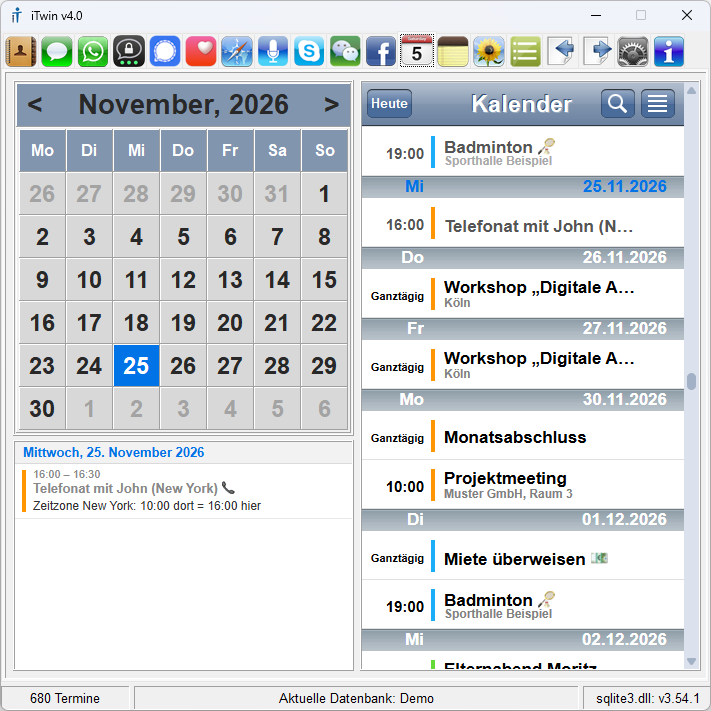
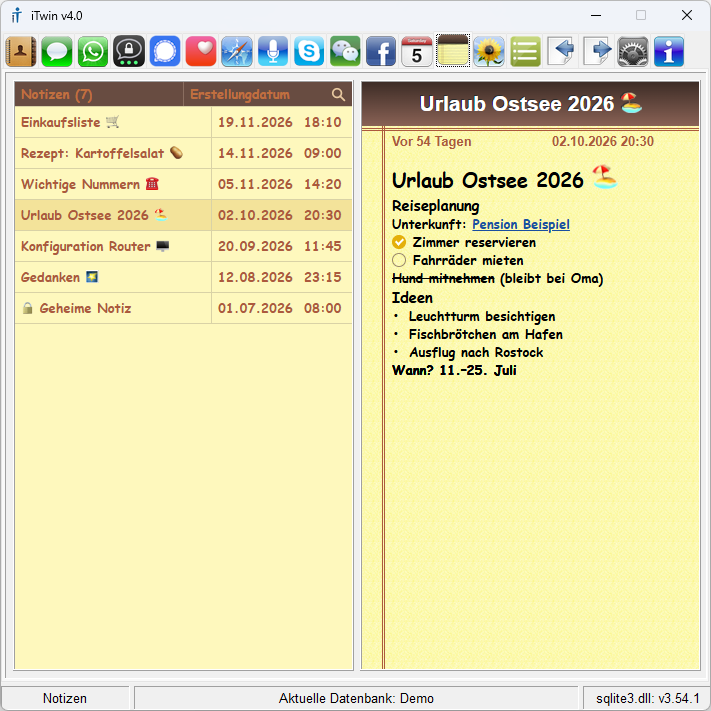
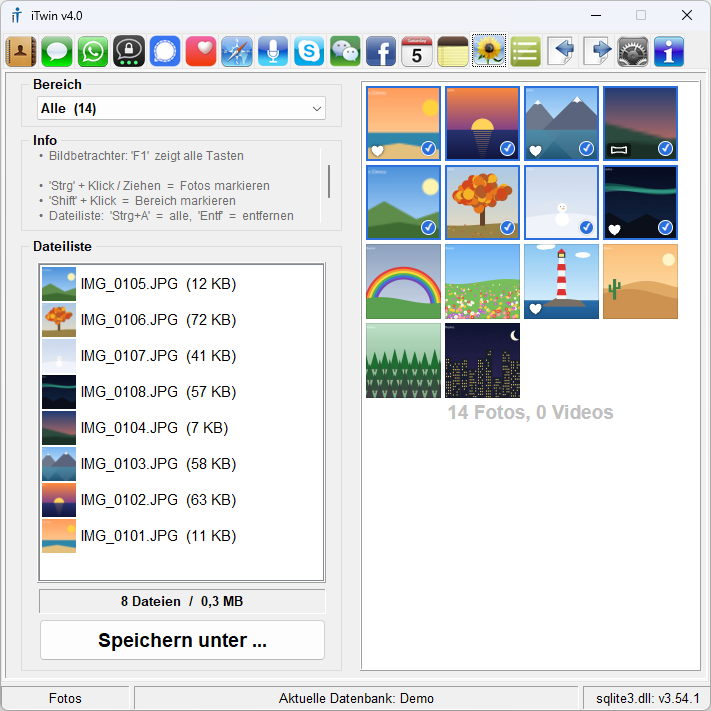
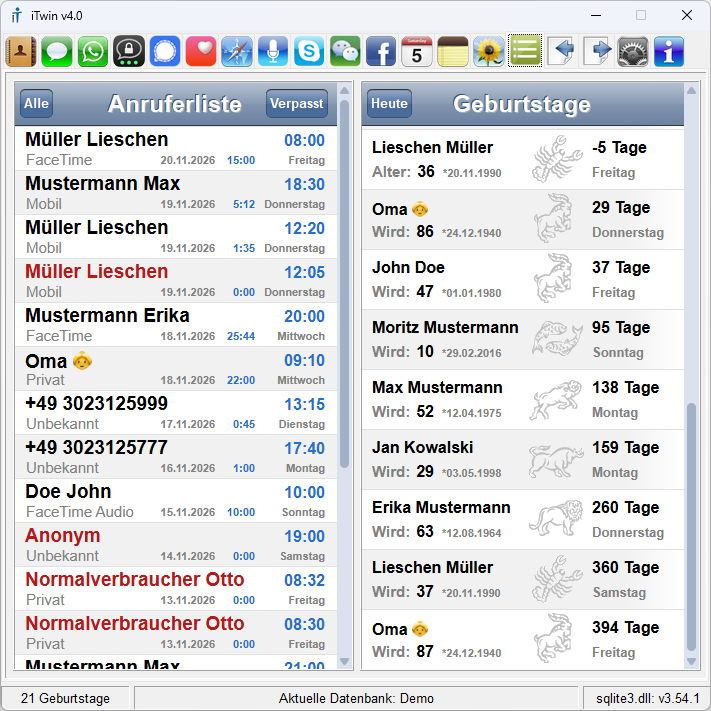
If you back up your iPhone on your PC with iTunes or the “Apple Devices” app, iTwin lets you view, search and export messages, WhatsApp chats, contacts, photos, calendars, notes and much more – looking just like on your iPhone. The iPhone does not need to be connected, and everything stays on your own computer.

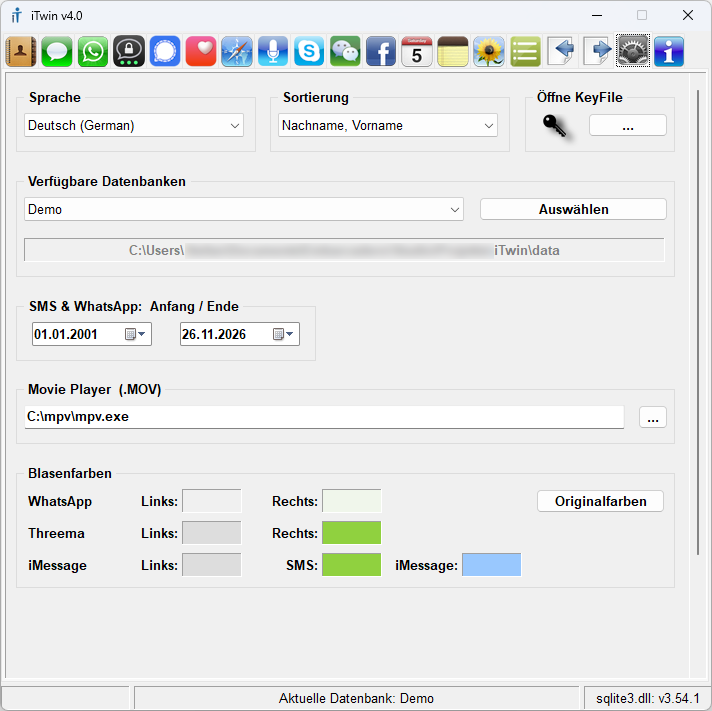
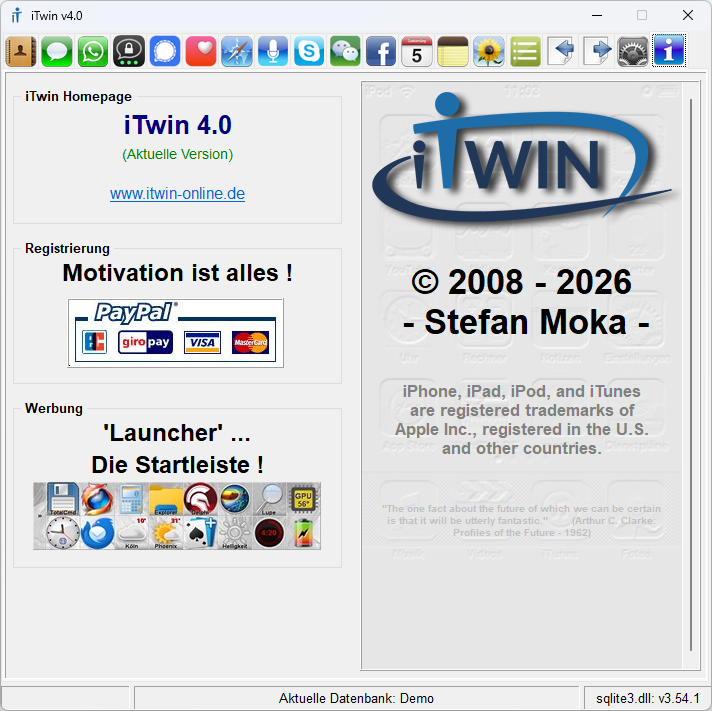
At a glance
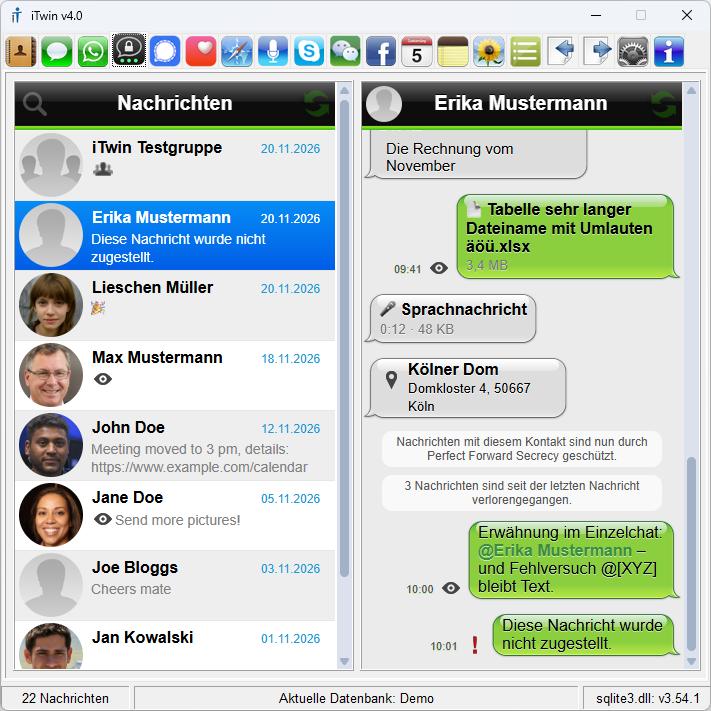
- Messages, WhatsApp, Threema, Signal, Skype, WeChat, Messenger – chats with pictures, videos and voice messages
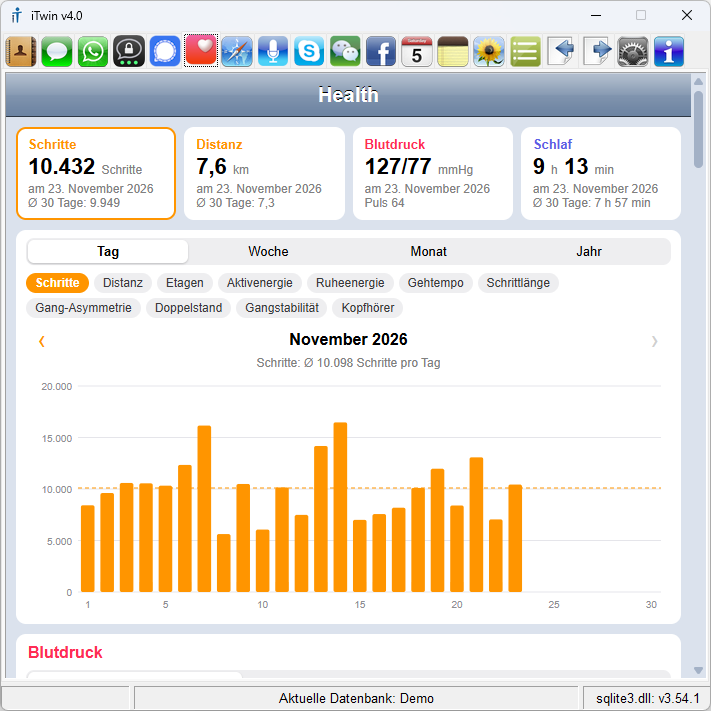
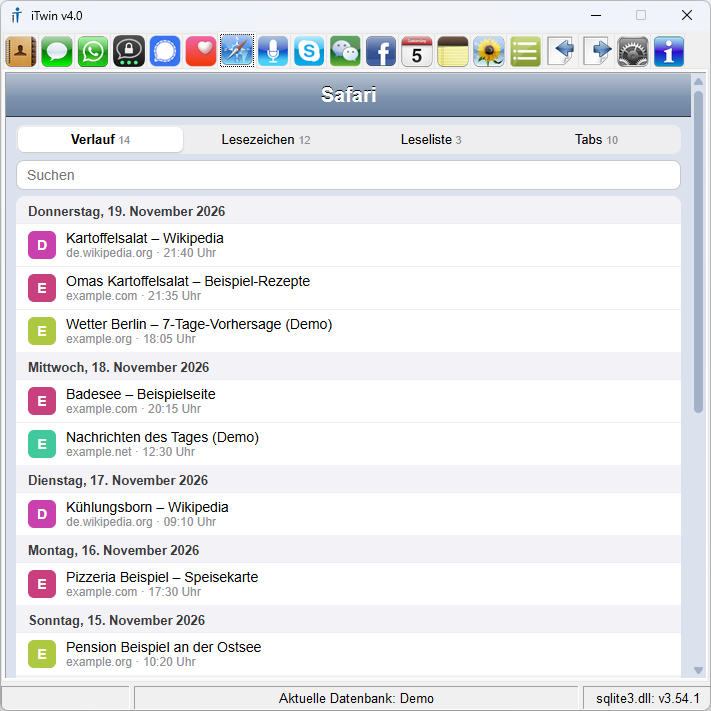
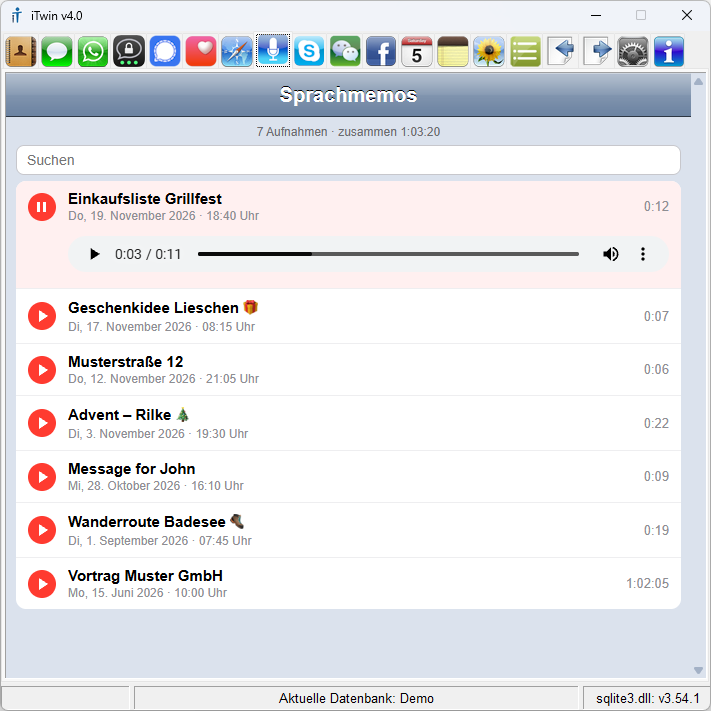
- Contacts, calendar, notes, photos, Health, Safari, voice memos, call history
- Built-in image viewer for your photos: browse, zoom, rotate, full screen, location in Google Maps, play videos and save originals – all by keyboard (shortcuts)
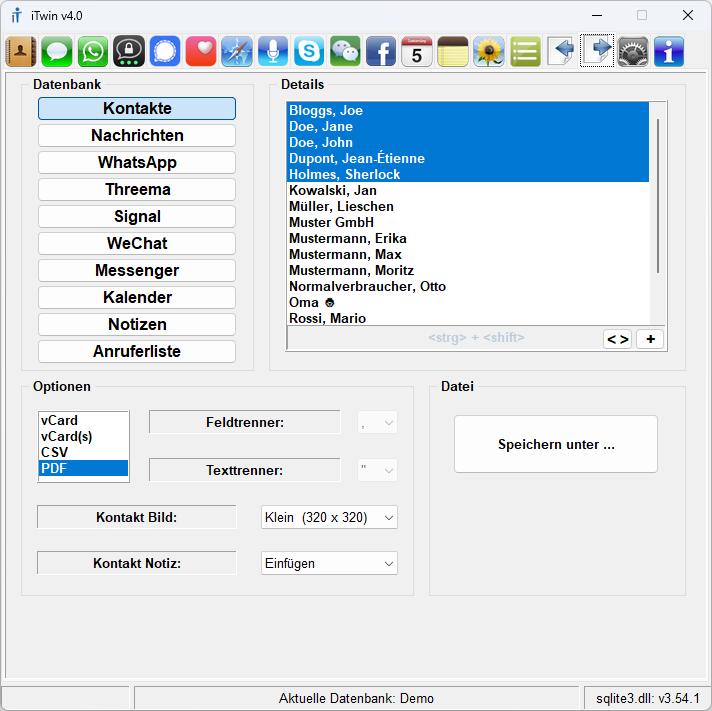
- Export to HTML, PDF, text, vCard, CSV, iCal …
- Guides: WhatsApp as PDF · Threema on PC · Signal on PC · Read locked notes
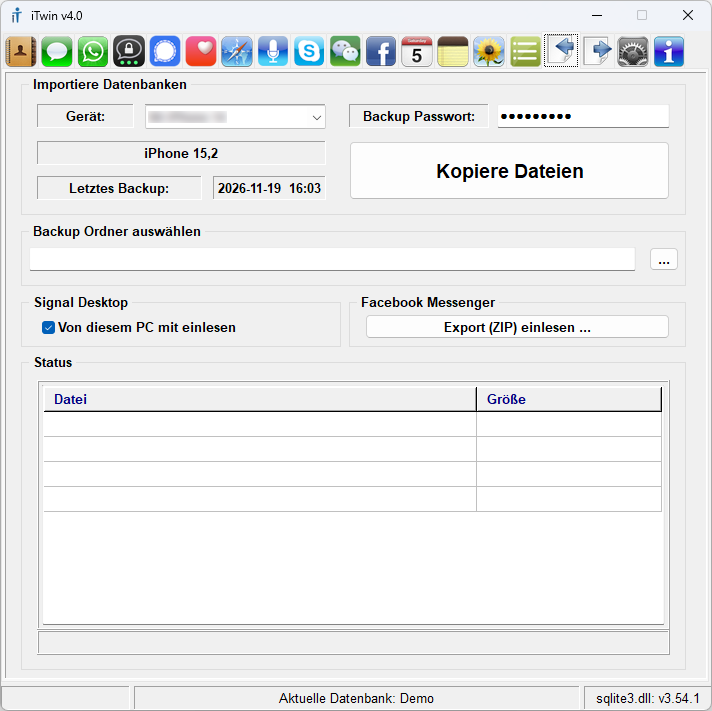
- Encrypted backups supported; current iOS versions as well as older backups from iOS 10
- No cloud, no account, no uploading – your data never leaves your computer
- 23 languages, Windows 10 and 11
Try it right away – with demo data
After installation iTwin starts with a demo data set of fictitious people. You can try everything immediately and without restrictions, even without a backup of your own.
New here? The manual guides you step by step from backup to export.
Important
iTwin is intended only for your own data or for data whose owner has given consent.

From the same developer: Launcher
The quick-start toolbar for Windows: launch programs, files, folders and websites with one click – plus clock, weather, battery, GPU temperature and more right in the bar. Continuously developed for years.