
Photos
Camera roll and iCloud library by year, large image viewer, videos, HEIC and copying the originals.
Note
Photos from the iCloud library are only in the backup if they were downloaded on the iPhone.
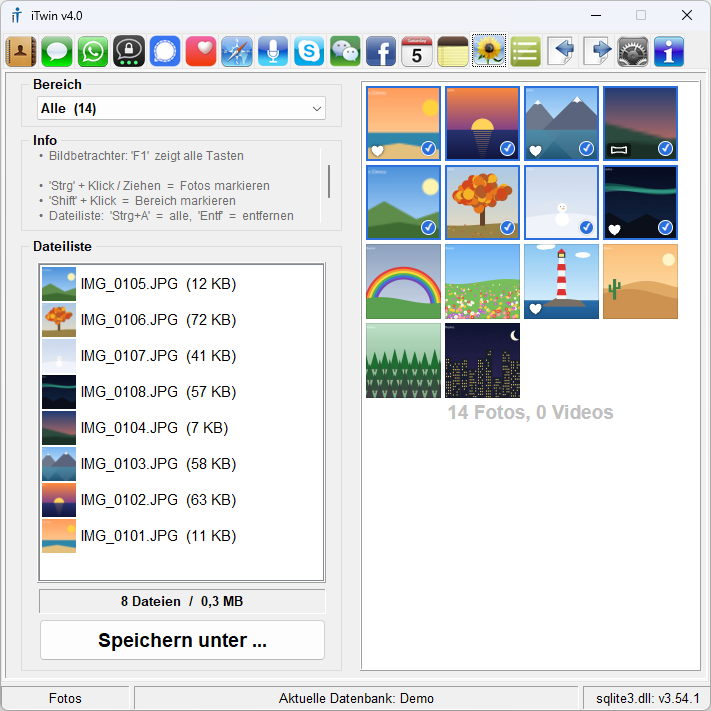
Image viewer – keyboard shortcuts
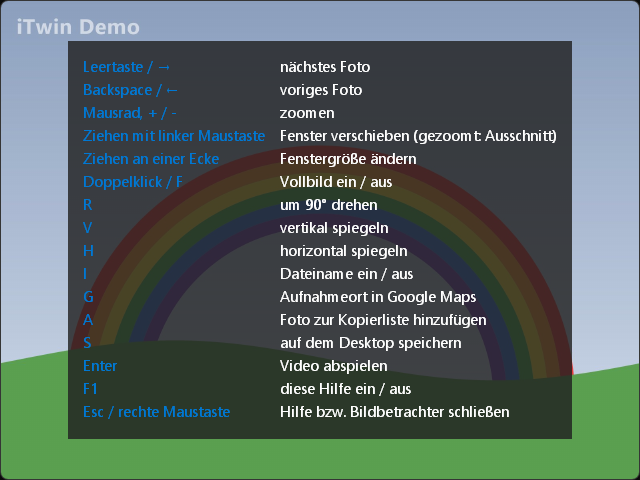
In the program, F1 in the image viewer shows an overview of all shortcuts.
| Key | Action |
|---|---|
| Space / → | next photo |
| Backspace / ← | previous photo |
| Mouse wheel, + / - | zoom |
| Drag with left mouse button | move window (when zoomed: move the view) |
| Drag a corner | resize window |
| Double-click / F | full screen on / off |
| R | rotate by 90° |
| V | flip vertically |
| H | flip horizontally |
| I | file name on / off |
| G | location in Google Maps |
| A | add photo to the copy list |
| S | save to the desktop |
| Enter | play video |
| F1 | this help on / off |
| Esc / right mouse button | close help or image viewer |