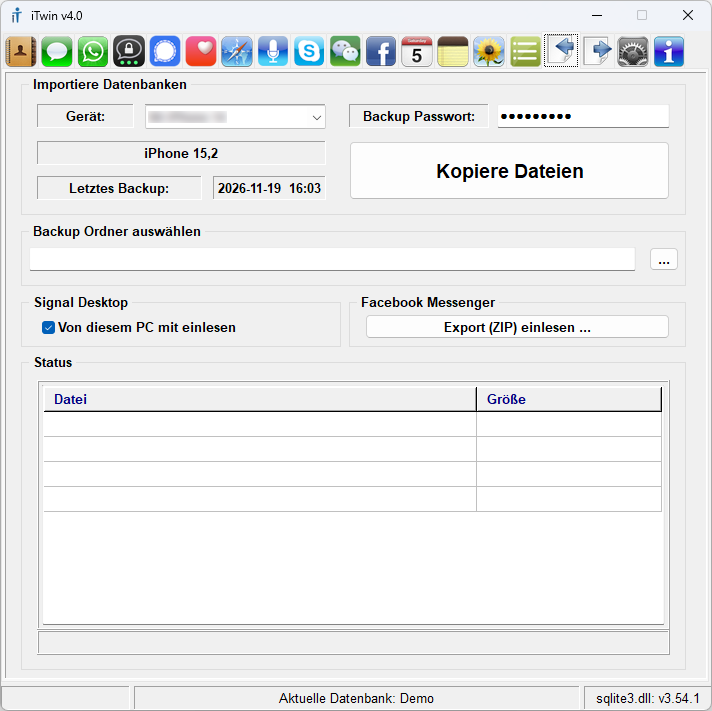

Importing a backup
- Choose the backup folder: the default folder is found automatically. Another folder can be selected on the import page.
- Import the backup and follow the progress in the status display.
- Encrypted backups: the password is asked for once and is not stored.
- “No backup found”? Select the folder manually. The Store version of “Apple Devices” stores backups in
%USERPROFILE%\Apple\MobileSync\Backup.
Each imported backup is kept as its own data folder – see Where is my data?