
First steps
- Installation: run
iTwin-4.0-Setup.exe. The installer is available in 20 languages. - First start with demo data: iTwin opens a fictitious demo data set. You can try everything without restrictions.
- Language: on first start the Windows language is used; you can change it under Settings.
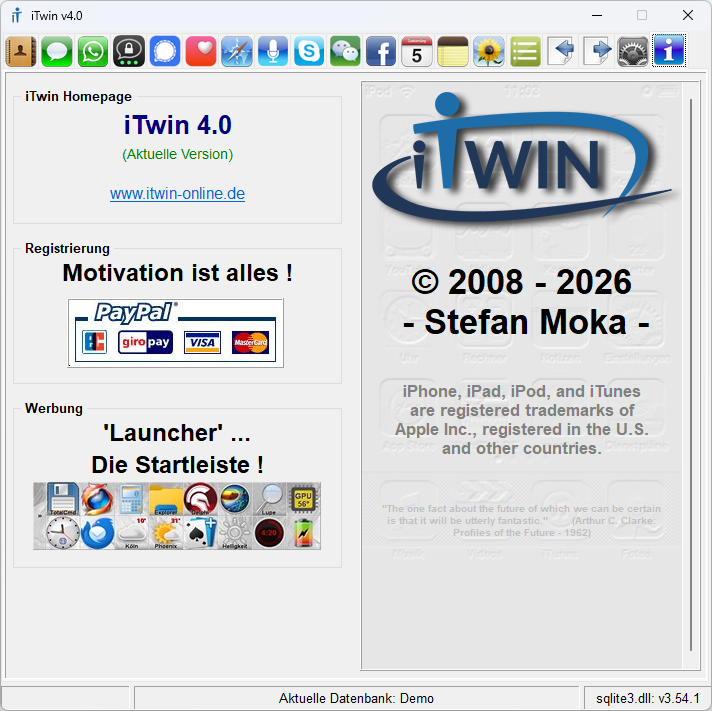
- The interface at a glance: tabs for the individual areas, selection of the data folder (device or backup).